Field Team Guide
Delivering KATZ signs
You claim stops on a map, drive to them, and check off each sign as you put it up. Here's the whole thing, start to finish.
The 60-second version
- Sign in at deliver.teamkatz.org
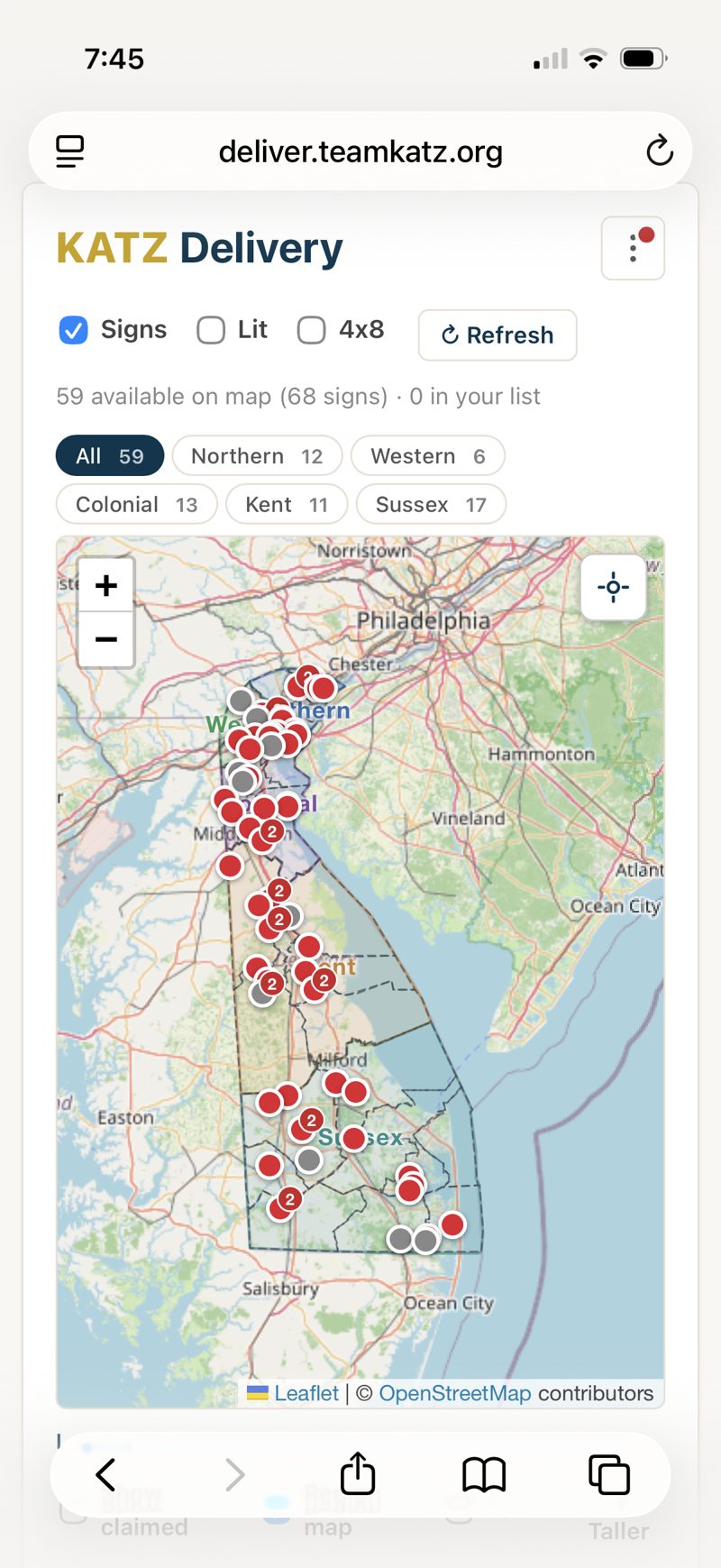
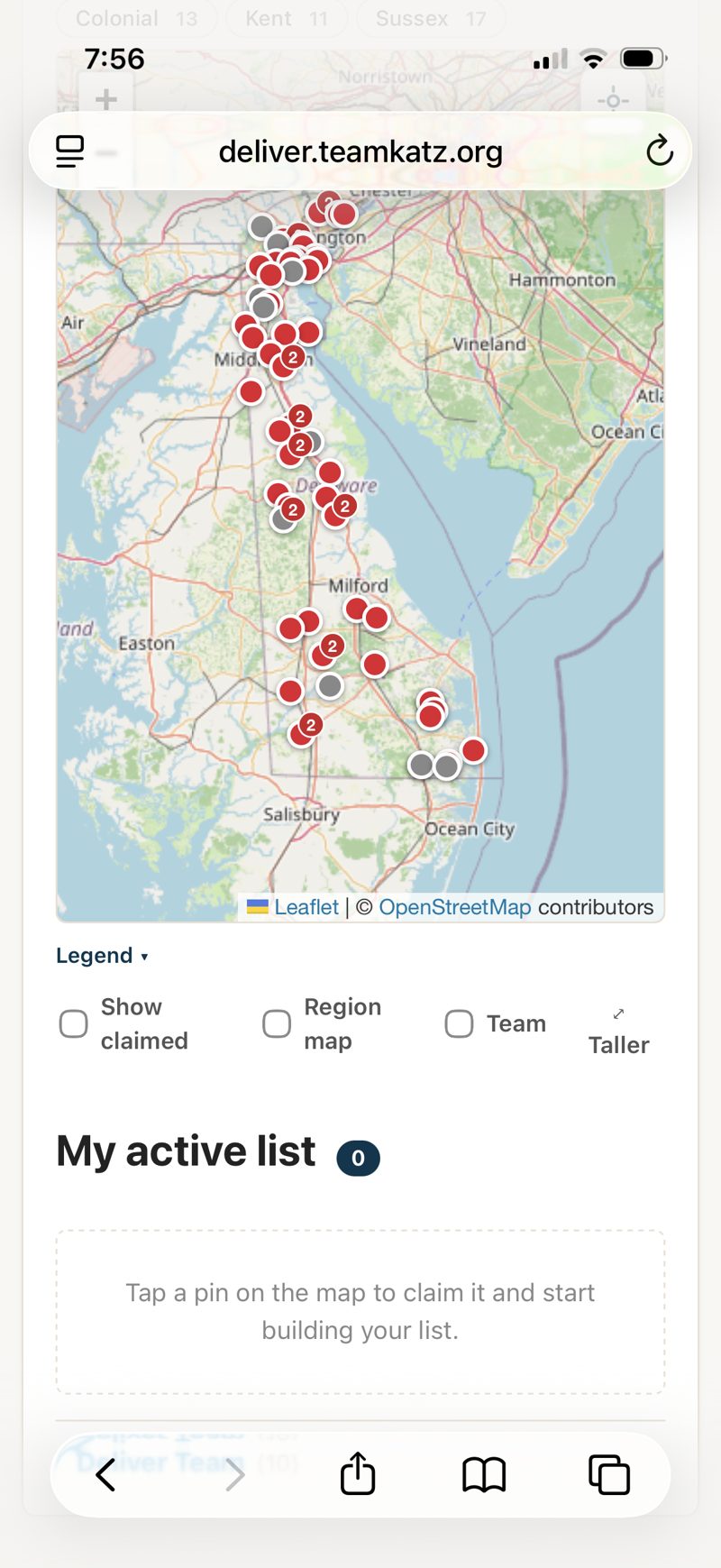
- You land right on the map — every pin is a stop
- Tap a pin → Claim this stop
- Tap the map button for directions
- Put up the sign → check it off
- Red pin = bring the Fire Coons design
Sign in
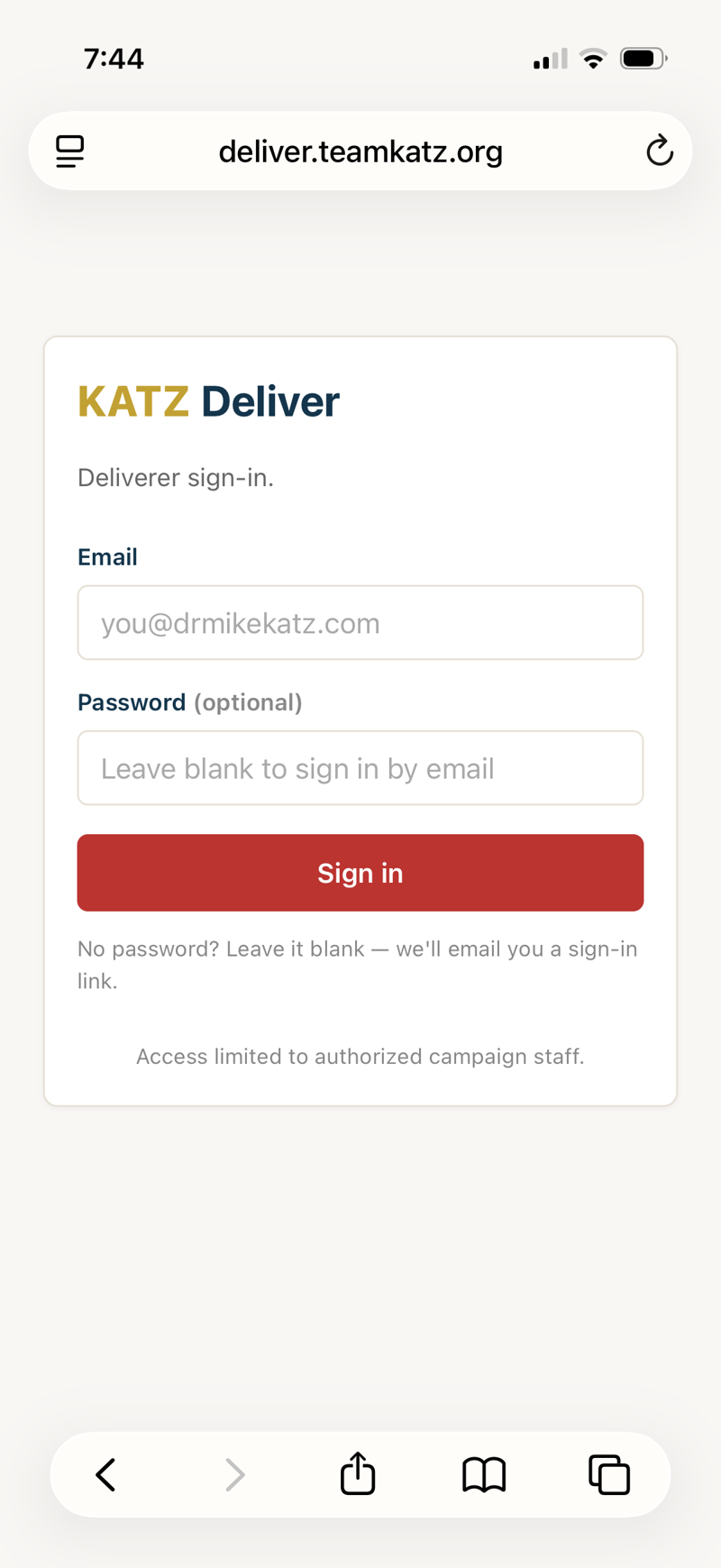
Go to deliver.teamkatz.org, enter your email, and tap the magic link we send you — or type the 6-digit code. No password needed (you can add one later from the menu).
The map is home base
Every pin is a stop that needs a sign. The list below the map shows the same stops. You work straight from the map — tap, claim, deliver.
Read the pins
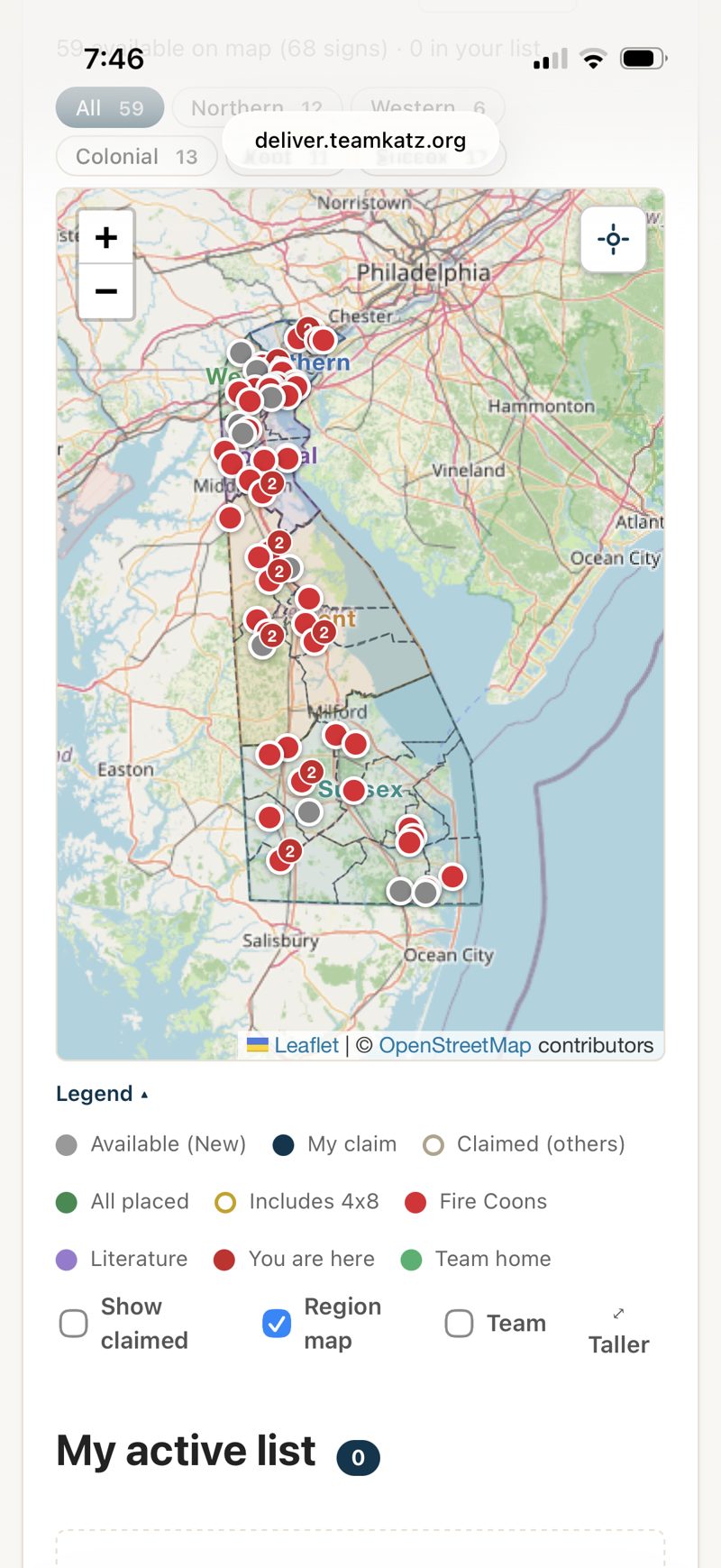
Tap Legend under the map to see what the colors mean:
- Gray — available to claim
- Navy (numbered) — your claim
- Green — you placed it
- Red — Fire Coons design (darker red once placed)
- Gold ring — includes a 4×8
- Purple — literature
- White — claimed by someone else
Focus on your area
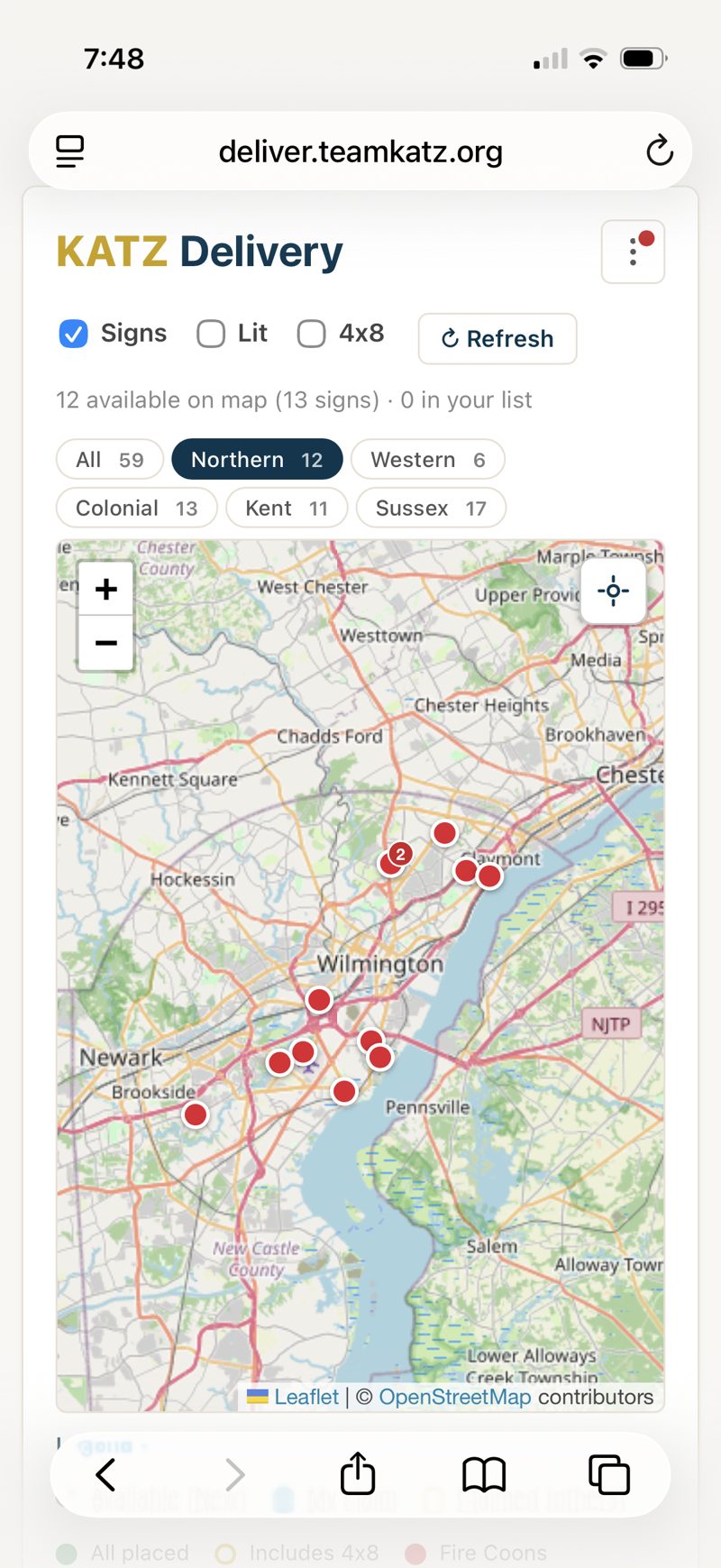
Tap a region tab — Northern, Western, Colonial, Kent, Sussex — to zoom to just those stops. The checkboxes up top pick sign types (Signs · Lit · 4x8).
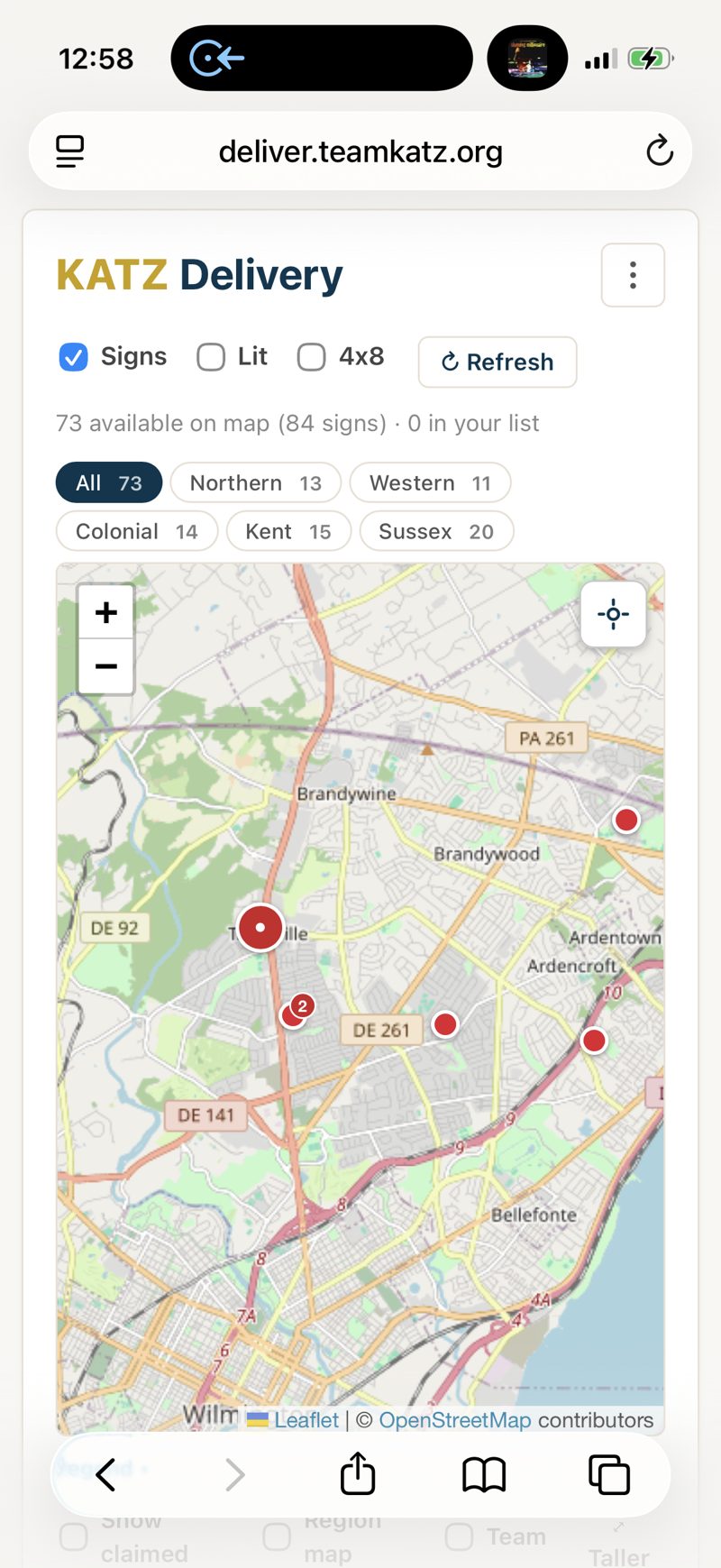
Find stops near you
Tap the location button (the crosshair at the top-right of the map) to center on where you are — the closest pins are your easiest deliveries. Your phone may ask permission to use your location the first time.
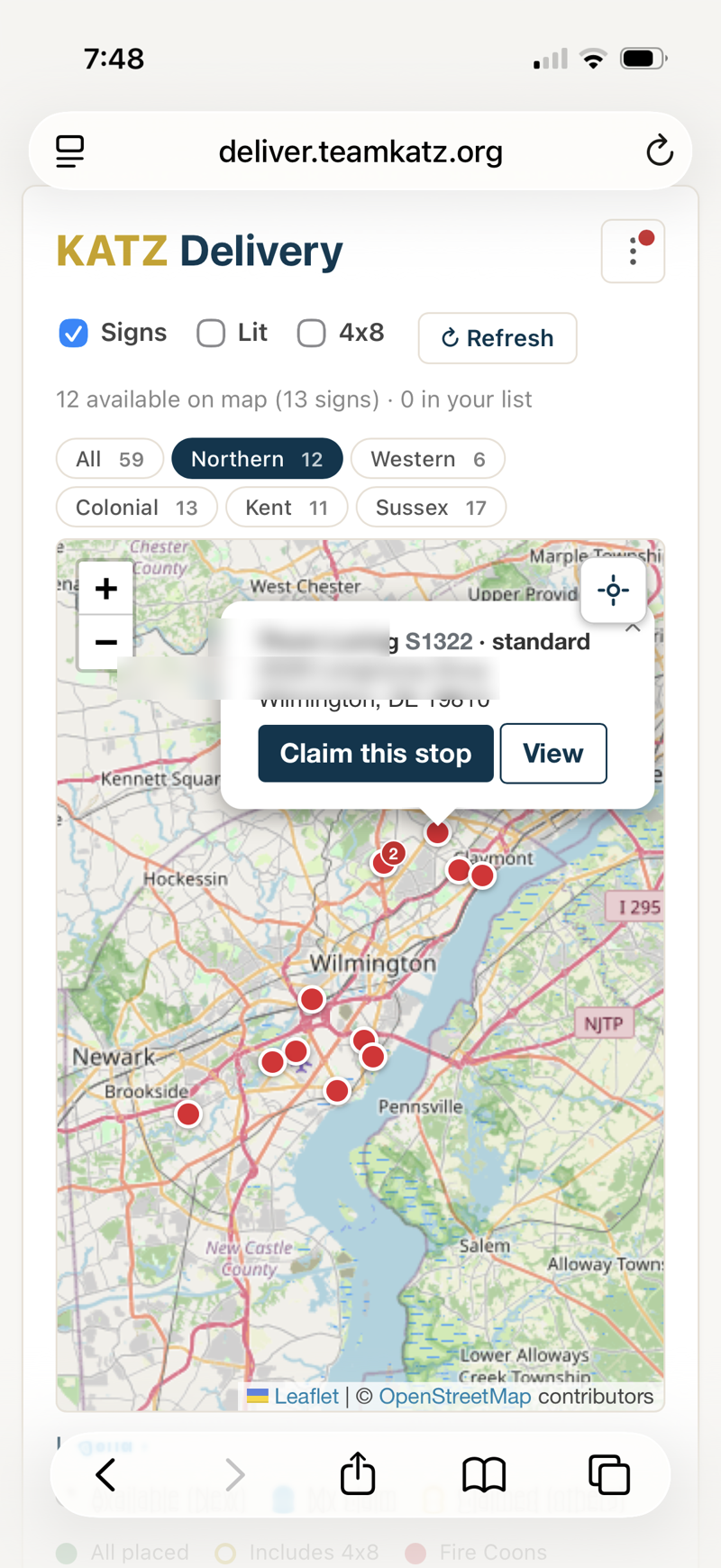
Claim a stop
Tap a pin, then Claim this stop. First come, first served — once it's yours it gets a number and is held for you for 48 hours.
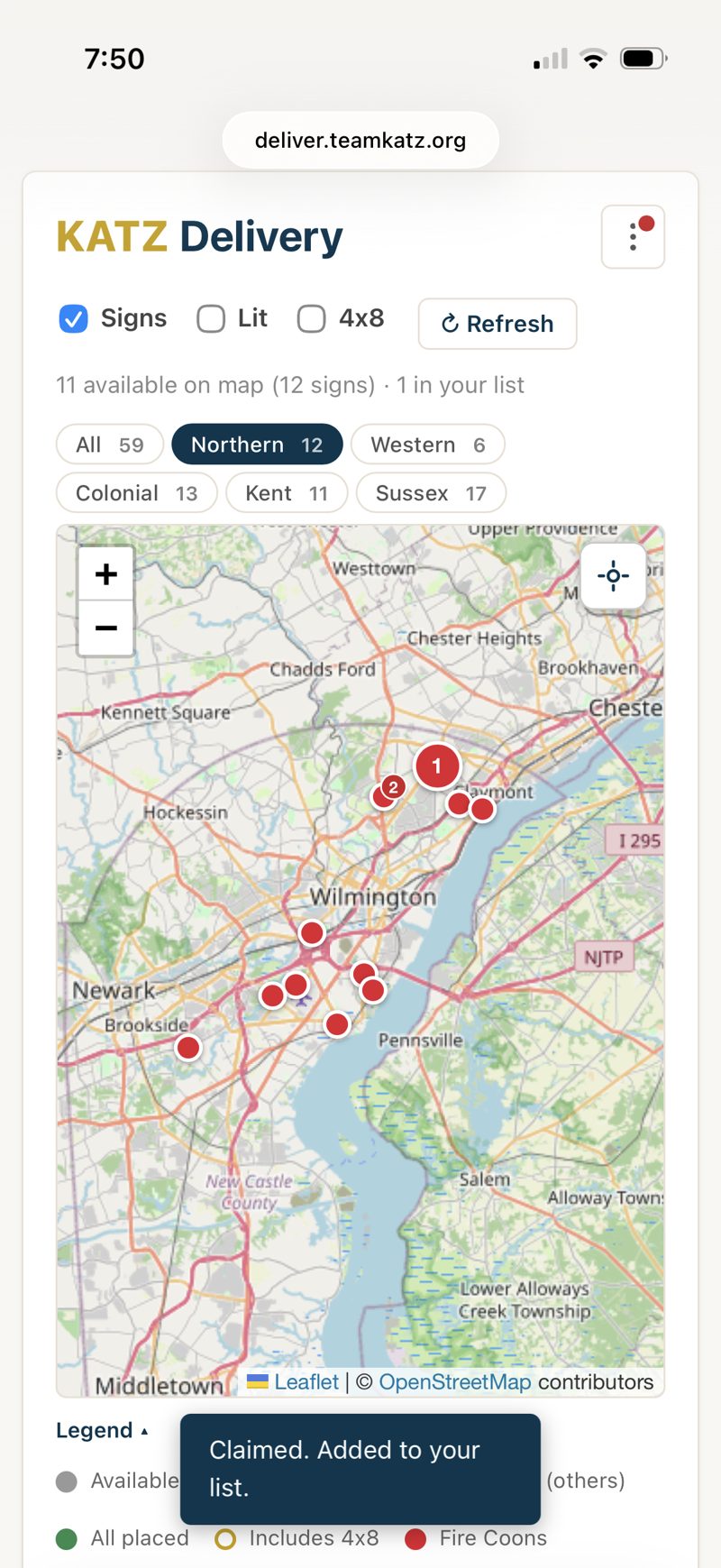
It lands on your list
Claimed stops drop into My active list below the map, numbered in the order you'll drive them.
Get directions
On your stop's card, tap the Apple Map button (shown here) for turn-by-turn navigation. Prefer Google Maps? Switch your map app — or show both buttons — in the ⋮ menu under Map app for directions. Start route opens directions to your first stop; each later stop links the next leg from where you are.
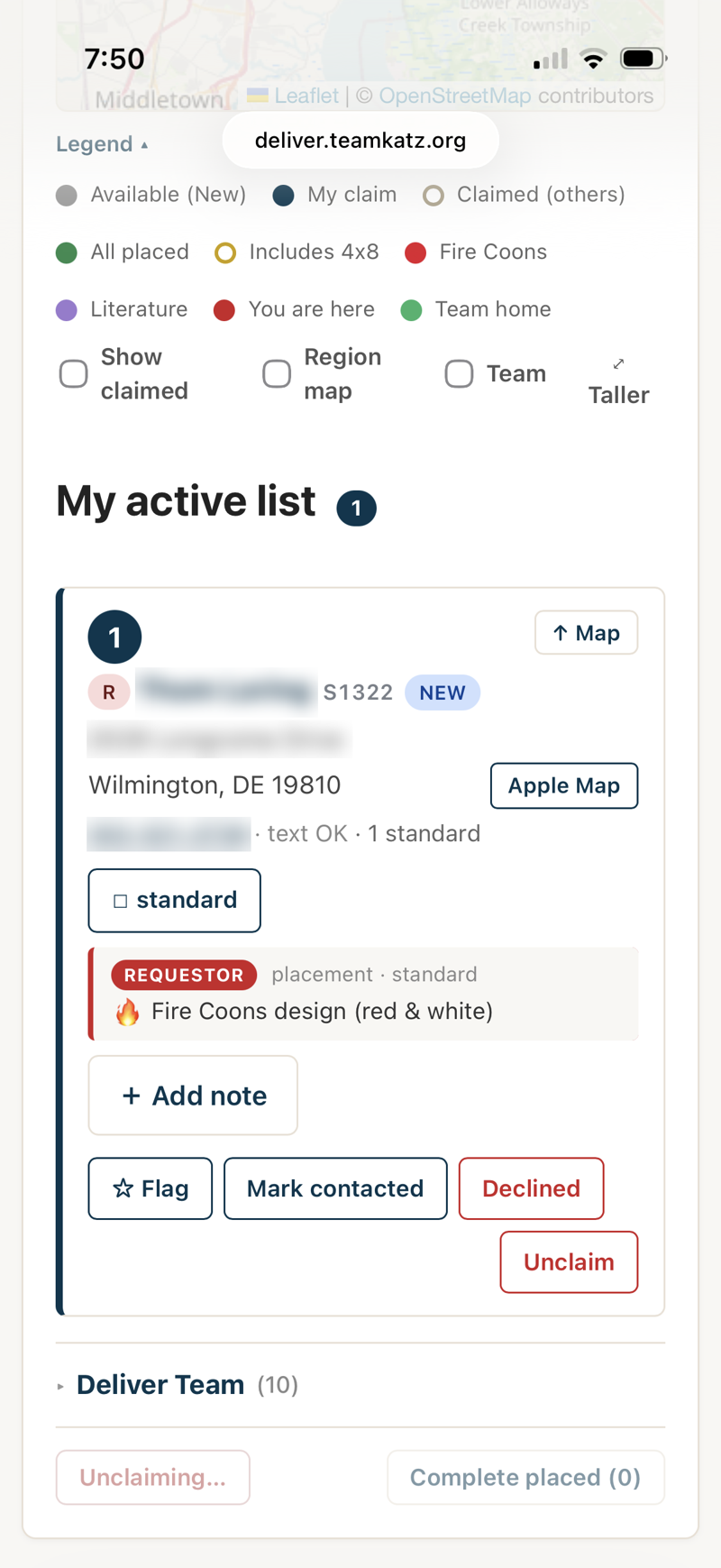
Put up the sign, then check it off
Put the sign in the ground, then tap the checkbox for that sign — it turns green and the card reads DELIVERED. Several signs at one address? Check each one. A red card or pin means bring the Fire Coons (red & white) design for that stop. Something look off? Tap Flag to let staff know to take a look at the request.
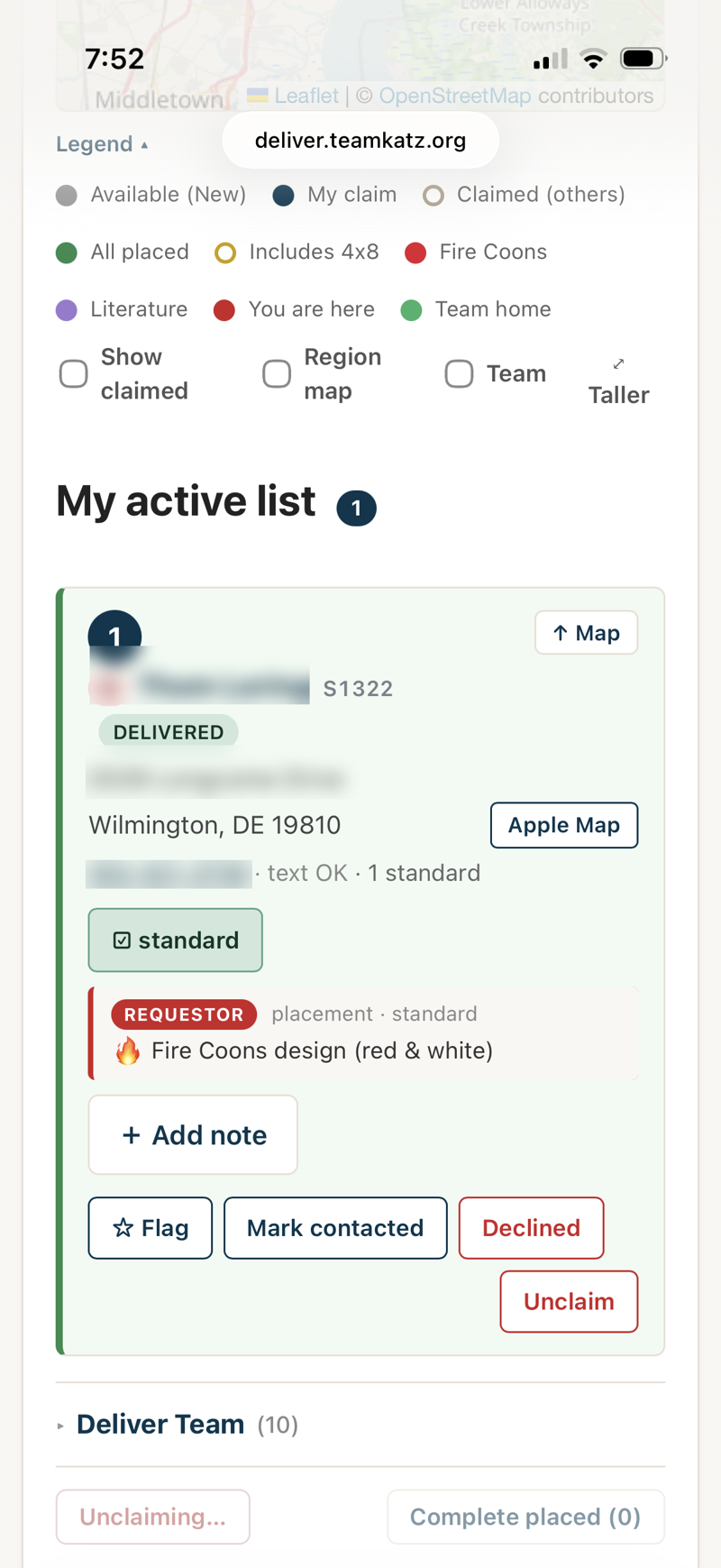
See the full details
Tap View details for the request number (like S1147), phone/email, and every note — color-coded by who wrote it (Requestor · Staff · Delivery). The requested design shows here too.
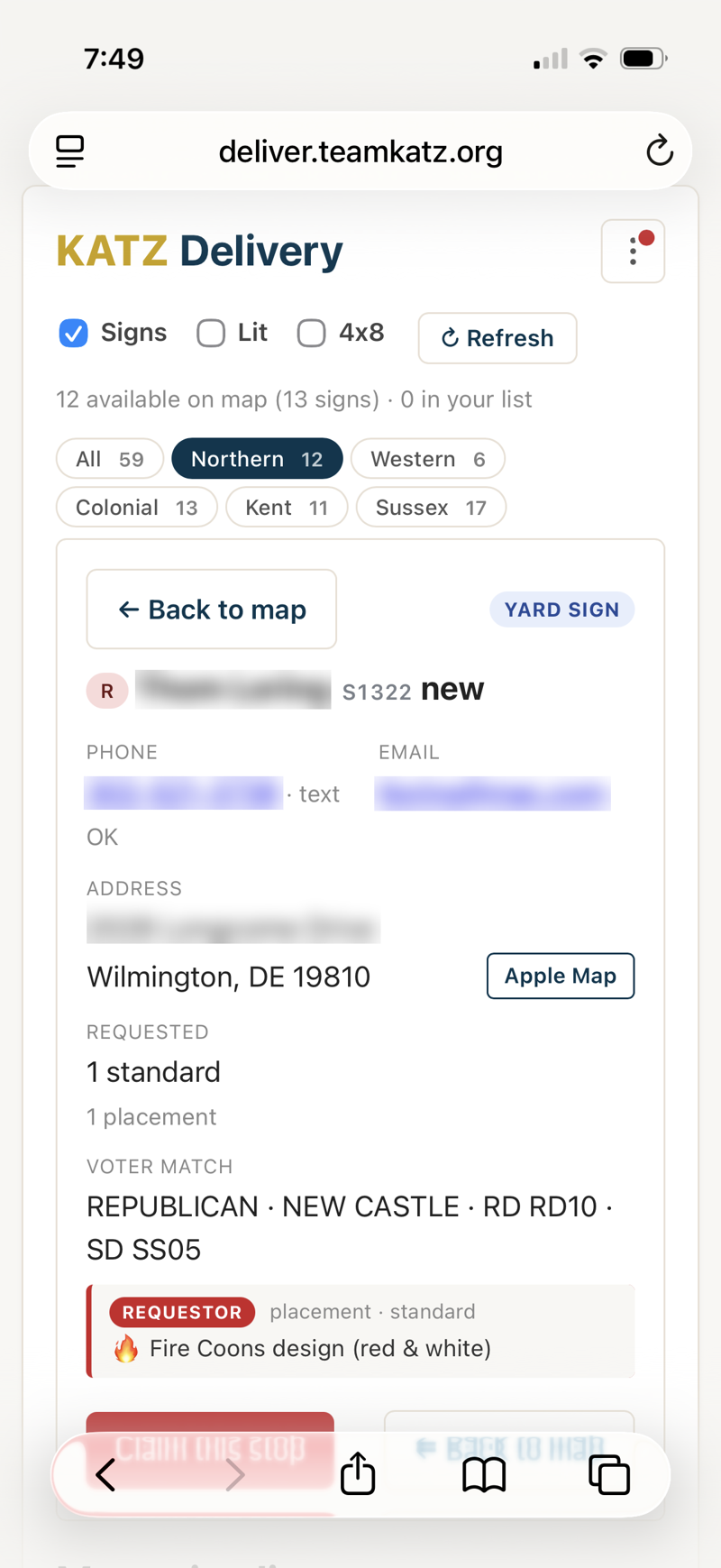
Leave a note or release a stop
Hit Add note to record anything useful — a gate code, a dog, a wrong address. It's stamped with your name and the date. Can't finish a stop? Tap Unclaim to put it back in the pool for someone else.
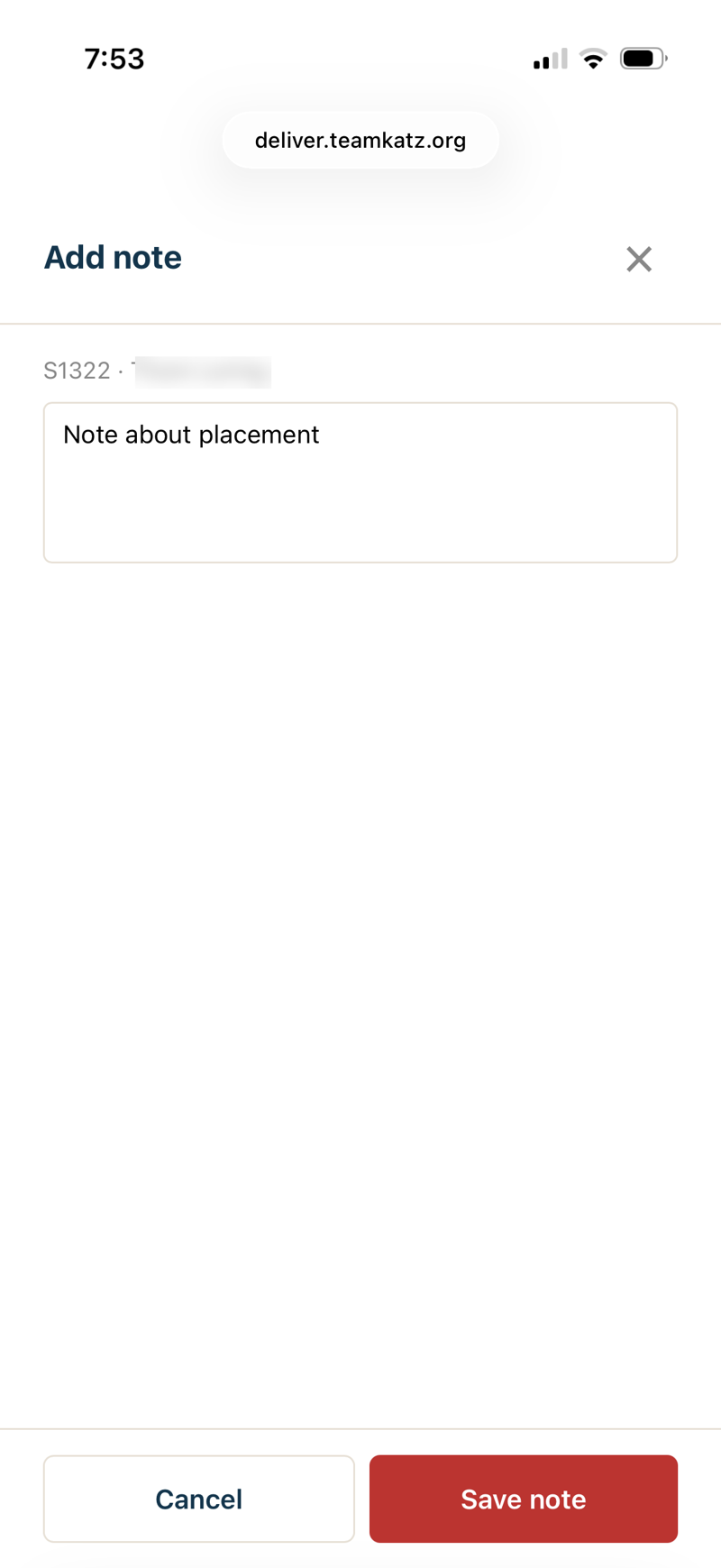
Finish up
When your placed stops are done, Complete placed clears them off your list so you can grab the next batch. Unfinished claims auto-release after 48 hours.
The ⋮ menu
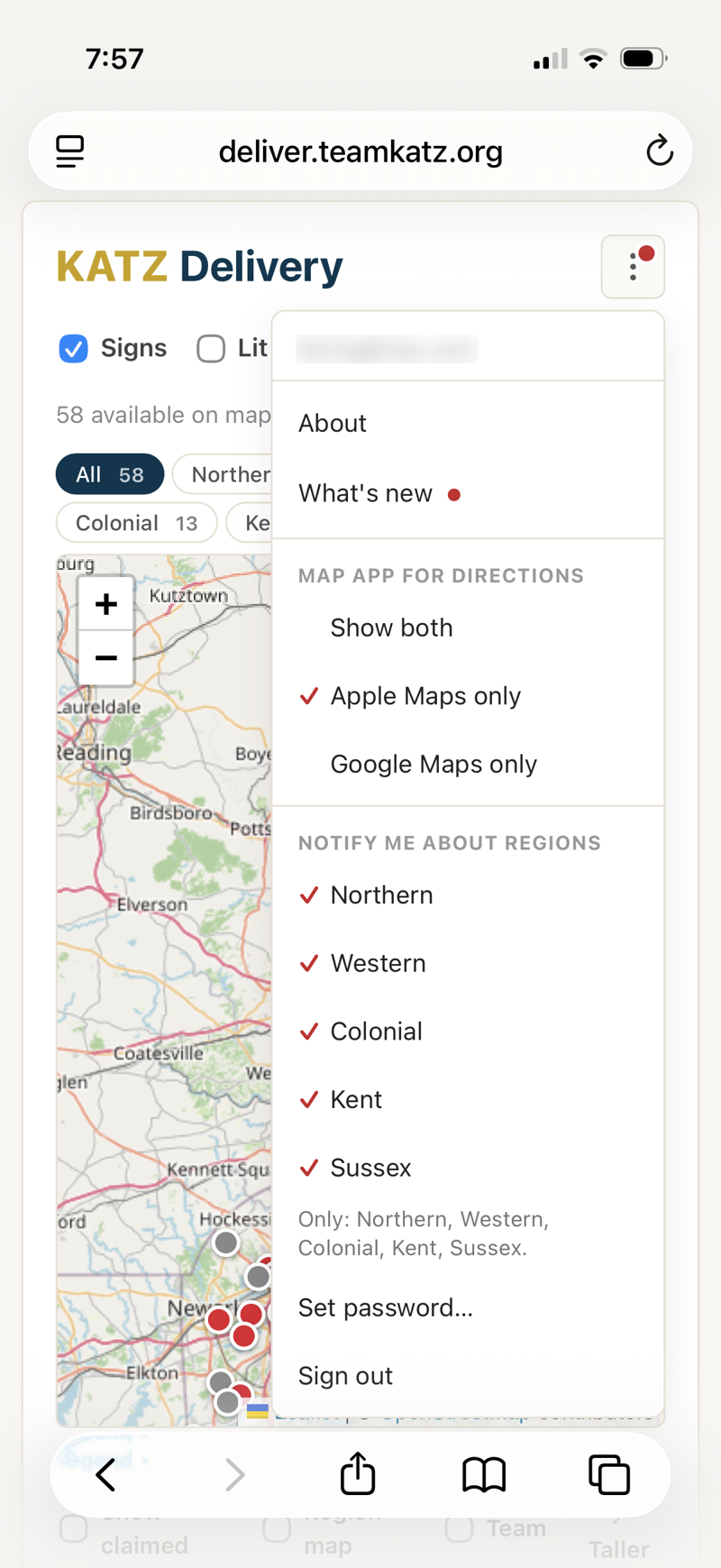
Top-right menu: How-to guide (this page, at deliver.teamkatz.org/guide), What's new, Notify me about regions (choose which regions email you about new stops), the Deliver Team roster, your map-app preference, and About.